If you need a fast, multi-brand TV remote app for Android that contains zero advertisements, requires no account registration, and collects no personal data, MotePal is our top pick for 2026. It controls Google TV, Android TV, Roku, Samsung, and LG TVs over your home Wi-Fi network.
If you search for “TV remote” on the Google Play Store, you will find hundreds of apps with high star ratings and millions of downloads. But the moment you install one, you are hit with an unpleasant reality:
- Full-screen, 30-second unskippable video ads pop up right when you press Mute to answer a phone call.
- Cluttered banner ads wrap around the D-pad, causing you to accidentally tap sponsored links instead of the OK button.
- Demands to register an account, hand over your email address, and enable GPS location permissions.
Why should controlling a TV screen require giving up your privacy and watching commercials?
Here is an objective review of the best truly ad-free TV remote apps available on Android in 2026.
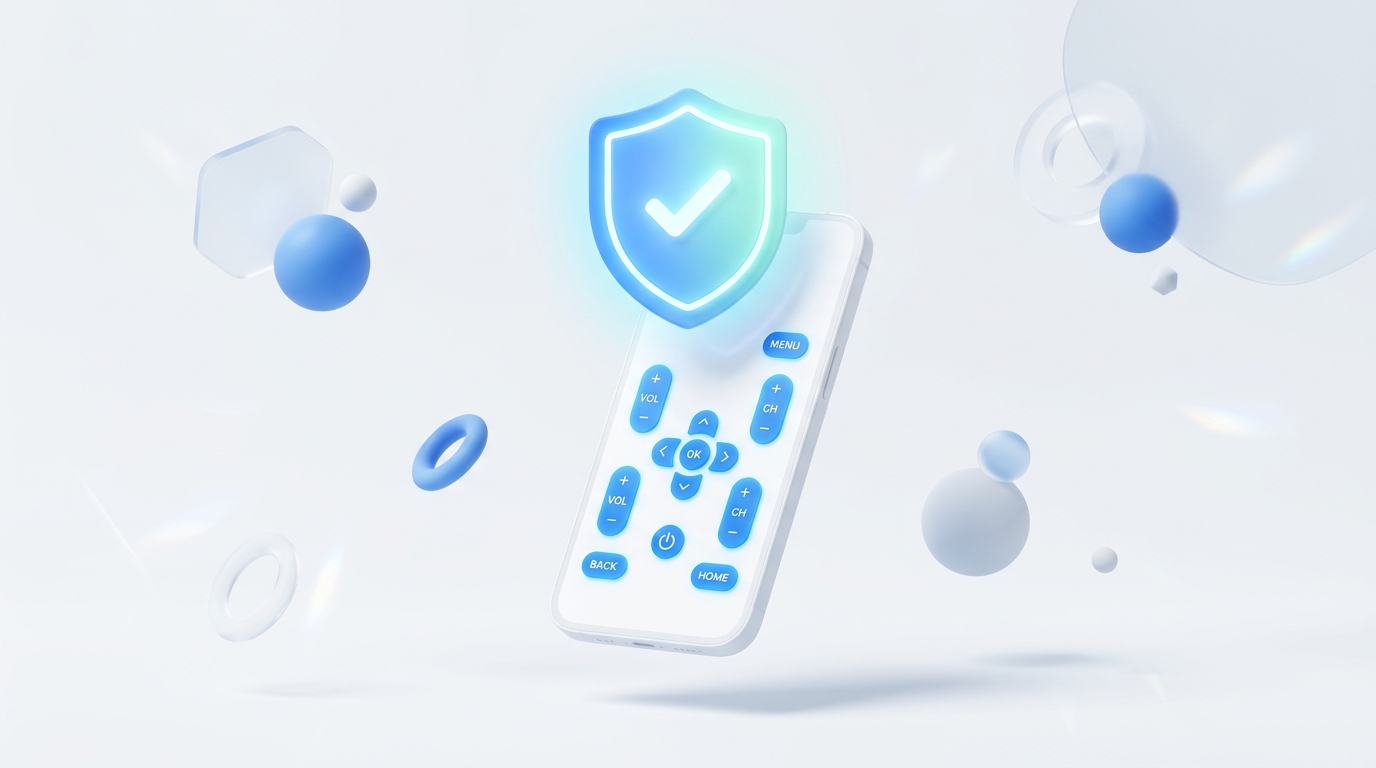
Comparing standard bloated ad-supported store remotes against modern privacy-first tools.
1. MotePal (Best Overall Universal Remote)
MotePal was designed from the ground up to eliminate the frustrating pain points of existing TV remote applications.
Supported Platforms:
- Google TV & Android TV (Sony, TCL, Xiaomi, Philips, Nvidia Shield, Chromecast).
- Roku TVs & Streaming Media Players.
- Samsung Smart TVs (Tizen OS 2016+).
- LG Smart TVs (webOS 3.0+).
Key Strengths:
- True Zero-Ad Policy: There are no banner ads, no interstitial video ads, and no subscription paywalls.
- Instant Device Radar: Discovers all smart TVs on your home Wi-Fi network within 3 seconds using SSDP, mDNS, and port scanning.
- Smooth Touchpad & Keyboard: Swipe fluidly across menus and paste passwords straight from your phone clipboard.
- Automated Scenes: Execute multi-step macros (e.g. turn on TV, launch Netflix, set volume) with a single tap.
- Privacy by Design: MotePal runs locally on your Wi-Fi network and never communicates with external tracking or ad SDK servers.
You can try MotePal’s button feel and responsiveness right now on our interactive web simulator.
2. Google TV App (Best for Google / Android TV Only)
If your home exclusively uses televisions running Google TV or Android TV, Google’s official Google TV app (formerly Google Play Movies) includes a built-in virtual remote.
Strengths:
- Completely free with zero advertisements.
- Built directly into Android’s Quick Settings tile menu on many phones.
- Reliable voice search and Gboard keyboard integration.
Drawbacks:
- Only supports Google TV and Android TV devices. If you have a Samsung or LG TV in the bedroom, it is useless.
- Requires signing into a Google account and ties your viewing recommendations to your Google profile.
3. Official Roku Mobile App (Best for Roku Only)
Roku’s official application provides remote capabilities along with private listening mode.
Strengths:
- Free to download.
- Private Listening: Streams TV audio through your phone headphones so you can watch movies late at night without disturbing others.
Drawbacks:
- Cluttered interface: The remote control is buried behind promotional content, movie rentals, and the “Roku Channel” video feed.
- Only works on Roku hardware.
4. Official SmartThings (Samsung Only)
Samsung’s official smart home app controls Samsung TVs alongside refrigerators, washing machines, and air conditioners.
Strengths:
- Full integration with Samsung’s wider smart home ecosystem.
Drawbacks:
- Heavy application footprint (often exceeding 400 MB to 600 MB of storage).
- Slower to boot when you just want to quickly change a channel.
- Requires creating and maintaining a Samsung account.
Comparison Summary Table
| Remote App | Ads? | Account Needed? | Brands Supported | Key Features |
|---|---|---|---|---|
| MotePal | Zero Ads | No | Google TV, Roku, Samsung, LG | Keyboard paste, Touchpad, Scenes, Fast radar |
| Google TV | Zero Ads | Yes (Google) | Android TV only | Quick Settings tile, Gboard |
| Roku App | Banner promos | Yes (Roku) | Roku only | Private listening |
| SmartThings | Promos | Yes (Samsung) | Samsung only | Smart home integration |
| Generic Store Apps | Heavy Video Ads | Often | Varies | Cluttered interface, battery drain |
If you want a unified, clutter-free remote that switches effortlessly between your living room Samsung and your bedroom TCL, download MotePal on Google Play.
Need an Instant TV Remote on Your Phone?
MotePal connects to your Google TV, Android TV, Roku, Samsung, or LG TV over Wi-Fi in seconds. 100% free with zero ads and no account required.