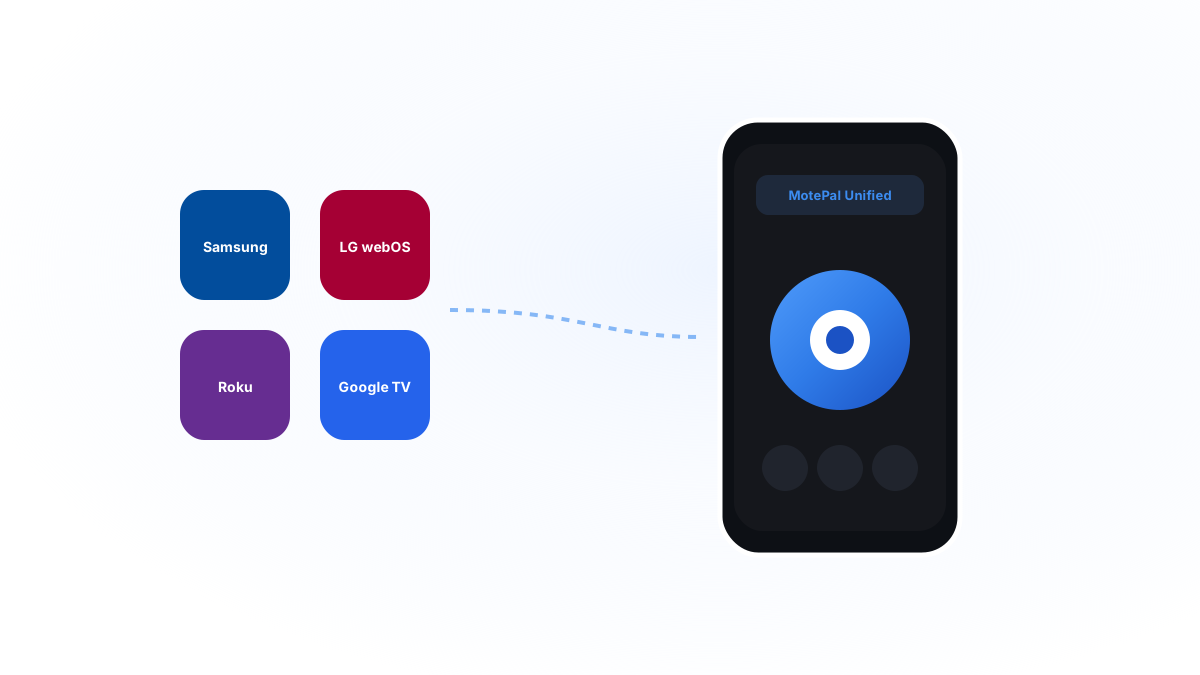
Official manufacturer apps (SmartThings, LG ThinQ, Roku) offer proprietary features like headphone listening, but they require mandatory cloud accounts, demand broad permissions, and force you to juggle different apps for each room. A clean universal remote app like MotePal operates 100% locally on your Wi-Fi, controls all four major TV operating systems from one clean screen, and collects zero personal data.
When you lose a TV remote or want to control your television from your smartphone, your first instinct is usually to download the official brand app: Samsung SmartThings, LG ThinQ, or the Roku App.
While these OEM (Original Equipment Manufacturer) apps are officially supported, many users find them surprisingly frustrating for everyday television control.
Why do official apps struggle with basic remote duties, and when does switching to a dedicated universal remote app make more sense? Here is an objective technical comparison.
Why install separate heavy brand apps when one lightweight universal remote manages all your TVs?
Issue 1: App Proliferation (The Multi-Brand Household Problem)
Very few modern homes are exclusive to a single electronics manufacturer. A typical family home might have:
- A 65-inch Samsung Neo QLED in the living room.
- A budget TCL Roku TV in the children’s bedroom.
- An LG OLED in the den for console gaming.
- A Sony Google TV or Android streaming box in the guest room.
If you rely exclusively on official OEM apps, you must install four completely separate applications on your smartphone: SmartThings, LG ThinQ, the Roku App, and Google TV.
Each app requires its own account, password, updates, and home screen real estate. When you move from the living room to the bedroom, you have to remember which app controls which television.
MotePal solves this by unifying all four television ecosystems under a single clean header. You simply tap the Switch TV dropdown to jump between your living room Samsung and your bedroom TCL in half a second.
Issue 2: Privacy Policies & Cloud Tracking
To understand why official TV apps are so massive, look at their privacy disclosures:
- Cloud Telemetry: When you tap a button in SmartThings or LG ThinQ, the command is frequently transmitted to an off-site corporate server before reaching the television.
- Viewing Habits: Many manufacturer apps track which streaming services you launch, what times of day you watch, and your coarse network location to serve personalized advertising.
- Account Requirements: You cannot use SmartThings without logging into a Samsung Account, and LG ThinQ demands an LG login.
The Independent Privacy-First Alternative:
MotePal was intentionally built with a Zero-Cloud Architecture:
- All network communication remains strictly bounded to your home Wi-Fi subnet.
- The app contains no analytics SDKs, no ad networks, and no external tracking frameworks.
- It requires no email address, no password, and no registration.
Issue 3: Boot Speed & Quick Utility
When the telephone rings and you need to mute the television immediately, speed is everything.
- SmartThings & LG ThinQ: These apps manage full smart home ecosystems (refrigerators, washers, robotic vacuums). Boot times can take 5 to 10 seconds while the app synchronizes cloud states, displays promotional banners, and verifies account tokens.
- MotePal: Engineered in native Android Kotlin with Jetpack Compose. It launches cold in under 300 milliseconds and displays your remote controls immediately.
When to Still Use the Official App
There are two specific scenarios where keeping the official app installed on your phone is beneficial:
- Roku Private Listening: If you watch television late at night and want to route TV audio through your phone’s wireless earbuds, the official Roku app’s headphone streaming feature is fantastic.
- Firmware Updates: While smart TVs update their operating systems over Wi-Fi automatically, certain initial setup procedures out of the box are slightly easier with the official setup tool.
For daily channel changing, volume adjustments, typing, and night-to-night movie streaming, an ad-free universal remote like MotePal provides a far cleaner experience.
Test the universal interface on our interactive web remote simulator.
Need an Instant TV Remote on Your Phone?
MotePal connects to your Google TV, Android TV, Roku, Samsung, or LG TV over Wi-Fi in seconds. 100% free with zero ads and no account required.