
The Nvidia Shield TV Pro remains the premier streaming and gaming set-top box, but typing passwords, searching Plex libraries, and managing Kodi add-ons using the triangular hardware remote is slow and cumbersome. Install MotePal on your Android phone, connect to your home Wi-Fi network, and pair via the native Android TV TLS service. You get immediate full-keyboard clipboard pasting, fluid D-pad controls, and responsive navigation with zero ads.
The Nvidia Shield TV and Shield TV Pro (powered by the Tegra X1+ processor) are widely regarded as the most powerful Android TV streaming boxes ever built. With AI upscaling, lossless Dolby TrueHD / Atmos audio passthrough, and GeForce NOW cloud gaming, power users rely on the Shield for demanding home theater setups.
However, navigation challenges frequently arise. The distinctive triangular remote can suffer Bluetooth sleep disconnections, and entering complex alphanumeric passwords, Wi-Fi keys, or video stream URLs character-by-character on an on-screen D-pad keyboard is an exercise in frustration.
Using your Android smartphone as an advanced input terminal fixes these bottlenecks permanently. Here is how to unlock fast typing and rock-solid control on your Nvidia Shield TV.
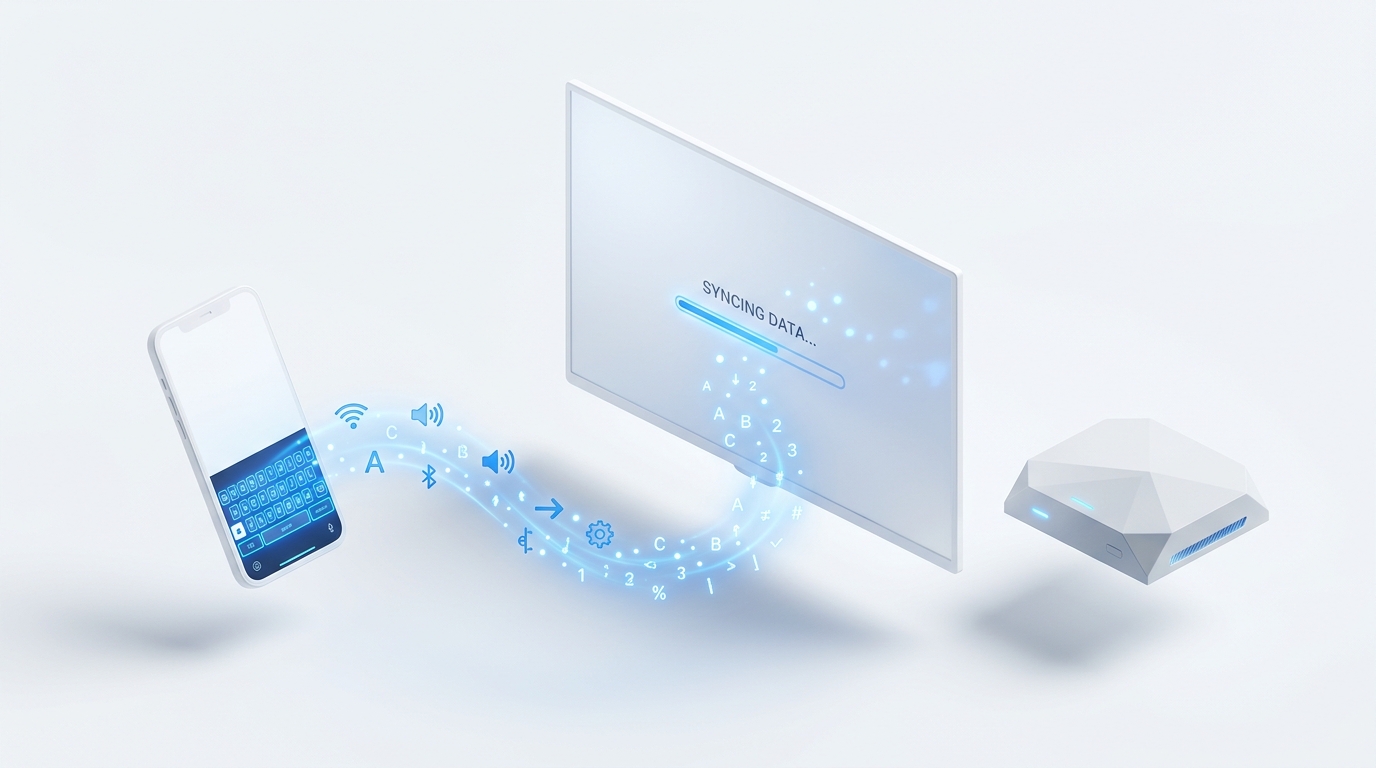
MotePal transmits keyboard characters and directional commands directly to Nvidia Shield TV over secure TLS port 6466 on your local network.
Step 1: Pair MotePal to Nvidia Shield TV
Because the Nvidia Shield runs official Android TV software, it incorporates Google’s high-speed Android TV Remote v2 protocol.
- Download MotePal on Google Play.
- Confirm your smartphone is connected to the same local Wi-Fi router (or local Ethernet subnet) as your Nvidia Shield TV.
- Open MotePal. The scanner will identify your Nvidia Shield immediately.
- Tap your Shield device on screen. A 6-digit alphanumeric pairing code will appear on your TV display.
- Type the 6-character code into MotePal.
- The connection is authenticated with an encrypted local TLS handshake.
You can preview the interface and test key layouts on our interactive web remote simulator.
Step 2: The Power of Clipboard Pasting on Android TV
Power users frequently run apps like Kodi, Plex, SmartTube, Syncler, or Stremio on the Nvidia Shield TV. Entering long server IP addresses, API tokens, trakt codes, or magnet links using a directional pad is painstakingly slow.
With MotePal connected:
- One-Tap Clipboard Paste: Copy a long password or URL on your phone, open MotePal, tap any text input field on the Shield TV, and your phone keyboard automatically opens. Tap Paste to transfer the entire string in a millisecond.
- GeForce NOW Gaming Logins: When launching Steam, Epic Games, or Ubisoft Connect sessions inside GeForce NOW, logging in with 20-character randomized passwords takes seconds rather than minutes.
- Smart Search: Search across YouTube, Netflix, and Disney+ simultaneously using rapid voice or keyboard entry. Read our dedicated guide on typing and pasting passwords on Android TV for more advanced techniques.
The Nvidia Shield TV Pro includes a Gigabit Ethernet port. Even if your Shield is connected via a hardwired Ethernet cable and your phone is on Wi-Fi, MotePal will discover and control the Shield seamlessly as long as both devices share the same local router subnet.
Troubleshooting Nvidia Shield Remote Disconnects
The physical triangular remote bundled with the 2019 Shield TV Pro relies on Bluetooth Low Energy. If your remote frequently falls asleep or fails to respond:
- Disable Remote Sleep Mode: By default, the Shield remote enters deep sleep to preserve battery. In some home environments, the Bluetooth handshake fails upon waking. Navigate on your Shield to Settings > Remotes & Accessories > Shield Accessories > Shield Remote > Sleep Mode and adjust sleep behavior.
- Clear Bluetooth Service Data: If the Shield remote disconnects frequently, use MotePal to navigate to Settings > Apps > See all apps > Show system apps > Bluetooth. Select Clear Data and Clear Cache, then restart your Shield.
- USB 3.0 Interference Fix: High-speed USB 3.0 hard drives plugged into the Shield can radiate RF noise that interferes with 2.4 GHz Bluetooth remotes. Open Settings > Device Preferences > System and toggle USB Mode from Max Performance to Compatibility Mode.
Shield TV Control: Official App vs Generic Apps vs MotePal
| Feature | Nvidia Shield TV App | Generic Store Apps | MotePal |
|---|---|---|---|
| Ads & Popups | None | Full-screen video ads | 100% Ad-Free |
| Keyboard Paste | Basic | Clunky / Broken | Instant Direct Sync |
| Permissions | Location, Account | Tracking, Device ID | Zero Data Collected |
| Connection Protocol | Proprietary BLE / Wi-Fi | Variable / HTTP | Android TV v2 TLS |
| Speed & Weight | Medium | Heavy / Battery Drain | Lightweight (< 10MB) |
While Nvidia provides an official Shield TV app, it has not received regular interface updates and often drops connection when switching between background mobile tasks. Generic TV remote apps on Google Play bombard users with unskippable advertisements before registering directional inputs.
MotePal provides a dedicated, lightweight, ad-free control surface designed specifically for seamless entertainment.
Frequently Asked Questions
Can I turn on the Nvidia Shield TV from my phone when it is sleeping?
Yes. The Nvidia Shield maintains a low-power network standby state when asleep. When you open MotePal and tap the Power button or select your device, the app sends a network wake signal over your local subnet to turn on the Shield and wake connected HDMI-CEC televisions.
Does MotePal support both Shield TV (tube model) and Shield TV Pro?
Yes. MotePal is fully compatible with the standard 2019 Nvidia Shield TV (compact tube model), the 2019 Shield TV Pro, and earlier 2015/2017 hardware revisions running Shield Experience software.
Can I use MotePal as a controller for Android TV gaming?
MotePal provides full D-pad arrow keys, OK selection, Home, Back, and volume controls for navigating menus and launcher interfaces. For real-time 3D games on GeForce NOW, we recommend pairing a dedicated physical Bluetooth gamepad (such as an Xbox Wireless or PlayStation DualSense controller) to your Shield TV.
Need an Instant TV Remote on Your Phone?
MotePal connects to your Google TV, Android TV, Roku, Samsung, or LG TV over Wi-Fi in seconds. 100% free with zero ads and no account required.