
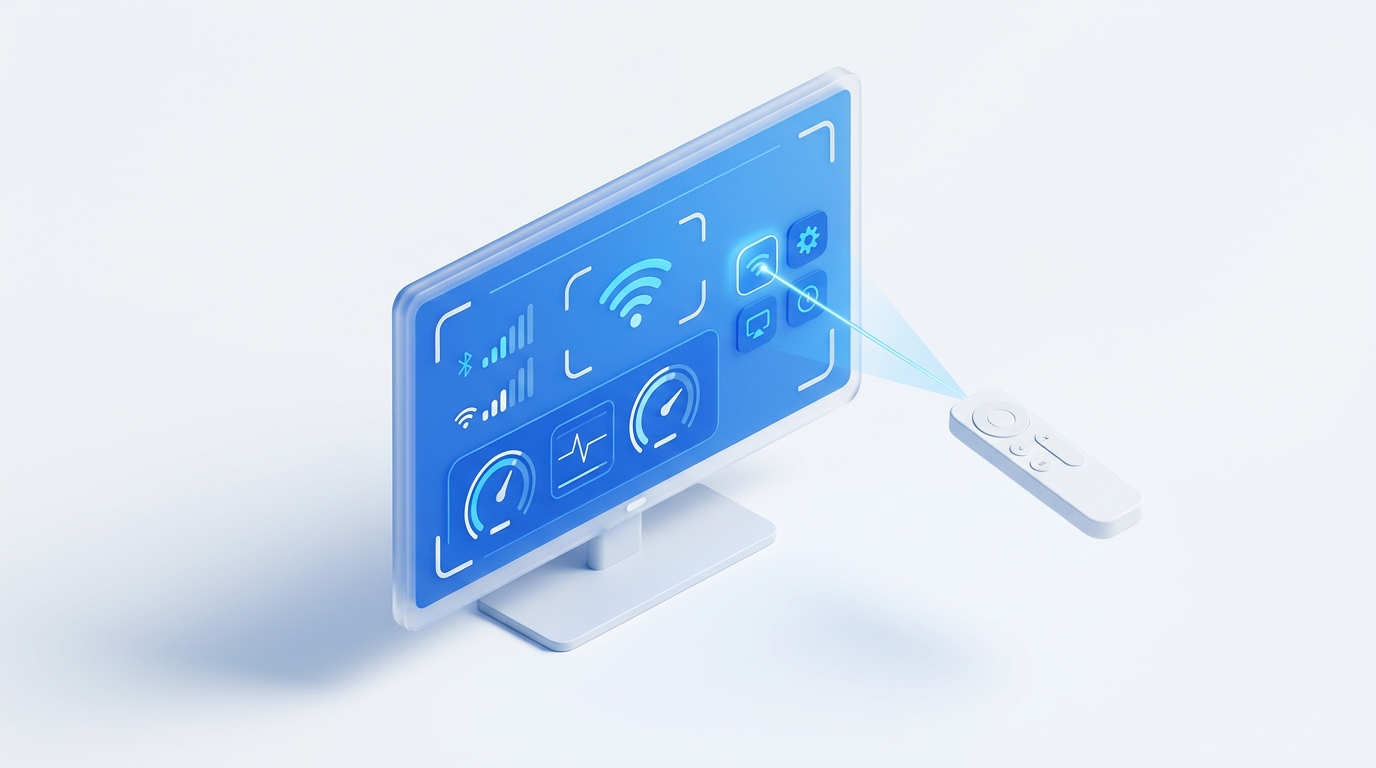
Roku OS features hidden engineering screens for Wi-Fi signal diagnostics, firmware channel selection, and antenna tweaking. You can trigger these screens effortlessly using either a physical remote or an ad-free phone remote like MotePal by tapping precise button sequences on the Home screen.
Roku streaming devices and smart TVs (TCL Roku TV, Hisense, Sharp, Onn, and Philips) are designed around an ultra-simple interface. But beneath that user-friendly grid of colorful app tiles lies a sophisticated suite of hidden diagnostic and configuration screens intended for Roku hardware engineers and factory technicians.
These “Secret Screens” let you monitor real-time Wi-Fi signal quality (RSSI), inspect HDMI handshake bitrates, reset frozen apps without unplugging power cords, and access developer settings.
Here is the master list of Roku secret button combinations and how to enter them quickly using your smartphone.
Tapping precise sequences of Home and playback controls opens Roku's hidden engineering menus.
Entering Secret Codes with MotePal on Android
Physical remotes with stiff or worn buttons often miss keypresses, causing combinations to fail. Entering combinations with MotePal is much more reliable because button signals are dispatched over local TCP network packets (port 8060) with zero dropped frames.
Before typing any code:
- Ensure your Roku is powered on and displaying the main Home Screen.
- Open MotePal on Google Play.
- Tap the corresponding buttons on the MotePal interface at a steady, rhythmic pace (roughly one press per half-second).
You can preview the responsive buttons on our interactive web remote simulator.
1. The Main Platform Secret Screen (Secret Screen #1)
- Button Combination:
Home(press 5 times) →Fast Forward→Play→Rewind→Play→Fast Forward - What it reveals:
- System temperature and CPU load.
- Real-time Wi-Fi signal strength in exact decibels (dBm).
- System reboot options.
- Factory reset and software channel rollback options.
2. The Wi-Fi and Wireless Secret Screen (Secret Screen #2)
- Button Combination:
Home(press 5 times) →Up→Down→Up→Down→Up - What it reveals:
- Detailed wireless connection diagnostics.
- Interference detection and channel congestion analysis.
- Toggle options for Wi-Fi power savings and roaming sensitivity.
- Reset network connection settings without clearing other TV configurations.
3. The Secret Clean System Reboot Code
If your Roku TV is freezing, stuttering inside an app, or dropping audio, you can force a clean operating system restart without crawling behind your TV stand to unplug the power cord.
- Button Combination:
Home(press 5 times) →Up(press 1 time) →Rewind(press 2 times) →Fast Forward(press 2 times) - What happens:
- The Roku screen will scroll rapidly for roughly 5 seconds.
- The screen will freeze and turn completely black.
- Within 15 seconds, the dancing Roku logo will appear as the system undergoes a full kernel reboot.
4. The HDMI and Display Secret Screen
- Button Combination:
Home(press 5 times) →Down→Left→Up(press 3 times) - What it reveals:
- Active HDMI handshake mode (HDCP 1.4 vs HDCP 2.2).
- HDR color bit depth settings (4:2:0 vs 4:2:2 chroma subsampling).
- Manual refresh rate switching overrides (60 Hz vs 24 Hz film cadence).
5. Developer & Channel Sideloading Screen
- Button Combination:
Home(press 3 times) →Up(press 2 times) →Right→Left→Right→Left→Right - What it reveals:
- Enables the Roku Developer Server on your local IP address.
- Allows developers to sideload custom BrightScript private channels and test beta applications directly.
Need an Instant TV Remote on Your Phone?
MotePal connects to your Google TV, Android TV, Roku, Samsung, or LG TV over Wi-Fi in seconds. 100% free with zero ads and no account required.