


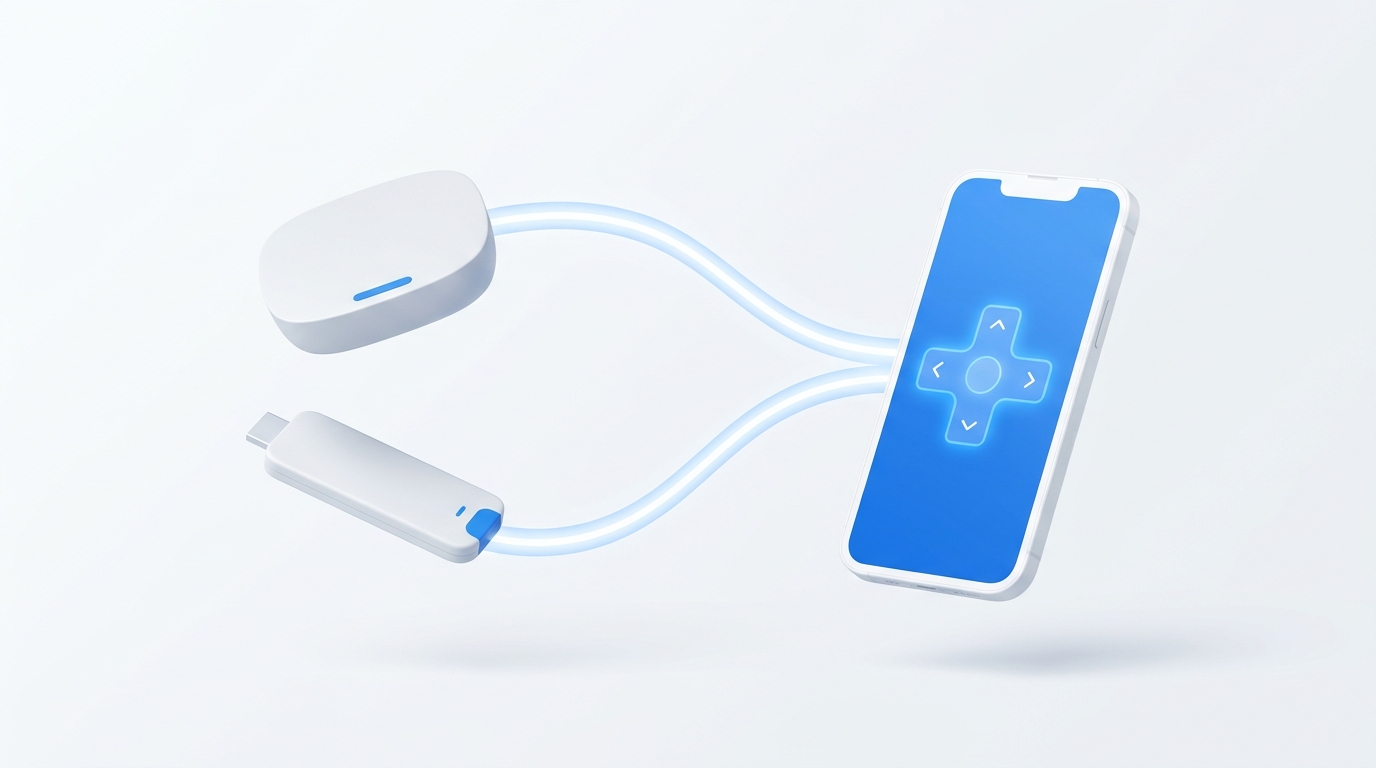
The primary frustration with the budget Roku Express is its physical Infrared (IR) remote, which demands direct, unobstructed line-of-sight to the front of the player. In contrast, the Roku Streaming Stick includes a wireless Voice Remote (RF). However, few users realize that the Roku Express also has built-in Wi-Fi and supports Roku's native External Control Protocol (ECP port 8060). Install MotePal on your Android phone to control your Roku Express from anywhere in the room without pointing.
Roku offers two of the most popular entry-level streaming devices in the world: the ultra-affordable Roku Express (and Express 4K+) and the portable Roku Streaming Stick 4K. While both devices stream popular platforms with a clean interface, they come bundled with fundamentally different remote control technologies.
Roku Express owners frequently struggle with pointing angles: if the compact set-top box is mounted slightly behind the TV or tucked into a media cabinet, the physical remote completely fails to register keypresses.
Understanding the difference between Infrared (IR) and Radio Frequency (RF) control allows you to eliminate line-of-sight headaches without spending $30 on hardware upgrades.
MotePal transforms the budget Roku Express into a true non-line-of-sight media streamer using local Wi-Fi port 8060.
Key Differences: Roku Express vs Streaming Stick Remotes
| Feature | Roku Express (Standard) | Roku Streaming Stick 4K | MotePal Phone App |
|---|---|---|---|
| Transmission Type | Infrared (IR Light) | Wi-Fi Direct (RF) | Local Wi-Fi (LAN) |
| Line-of-Sight Needed | Yes (Direct pointing) | No (Works through walls) | No (Works anywhere on Wi-Fi) |
| TV Volume & Power | No (Except Express 4K+) | Yes (Side volume keys) | Yes (HDMI-CEC Integration) |
| Voice Search | No microphone | Yes (Push-to-talk) | Mobile Voice & Keyboard |
| Typing Passwords | Slow D-pad entry | Slow D-pad entry | Instant Clipboard Paste |
The standard Roku Express remote relies exclusively on an IR emitter diode. If you sit at an angle, if a soundbar stands in front of the box, or if your coffee table is cluttered, commands drop constantly.
The Roku Streaming Stick connects directly into an HDMI port on the back of the TV, necessitating a Wi-Fi Direct “Point Anywhere” remote that transmits radio waves through the television frame.
The Secret: Roku Express Has Full Wi-Fi Control Built In
Even though the plastic remote bundled with the Roku Express is an infrared model, the Roku Express hardware contains an 802.11b/g/n Wi-Fi card to stream Netflix and YouTube.
Roku’s operating system keeps the External Control Protocol (ECP) permanently active over local TCP port 8060. This means you do not need line-of-sight if you control the box over your local home network.
MotePal utilizes this native protocol to upgrade your Roku Express experience:
- Download MotePal on Google Play.
- Confirm your smartphone is on the same local Wi-Fi network as your Roku Express.
- Open MotePal. The discovery engine detects your Roku device automatically.
- Tap your Roku in the list.
- The remote interface appears instantly with zero pairing codes and no account creation.
You can preview the interface and test key layouts on our interactive web remote simulator.
Step 2: Benefits of Phone Control Over the Basic Remote
- Mount Your Roku Express Behind the TV: With MotePal, you can hide the Roku Express completely behind your television using adhesive mounting strips, maintaining a clean wall aesthetic without worrying about IR line-of-sight.
- Rapid Keyboard Input: Entering complex alphanumeric Wi-Fi keys, server URLs, and search queries with a physical D-pad takes multiple minutes. MotePal allows you to type directly from your phone’s mobile keyboard.
- 100 Percent Ad-Free Control: Generic remote apps on Google Play interrupt playback with 30-second unskippable video ads. MotePal contains absolutely zero advertising.
If you are using a Roku TV rather than a standalone streaming player, open Settings > System > Power > Fast TV Start and select Enable. This keeps the Wi-Fi card active in standby, allowing MotePal to power on your TV over the network.
Frequently Asked Questions
Can I pair a Roku Voice Remote to a standard Roku Express?
Yes. The standard Roku Express (model 3930/3960) can pair with an upgraded Roku Voice Remote over Wi-Fi Direct. However, buying a standalone Voice Remote costs $20 to $30, which is more than the price of the entire player. MotePal provides identical non-line-of-sight convenience completely free.
Why does my physical Roku Express remote stop working intermittently?
Standard Roku Express remotes rely on line-of-sight infrared light. Sunlight hitting the front sensor, dirty plastic lenses, low AAA battery voltage, or soundbar obstructions will cause button presses to fail. Switching to phone control over Wi-Fi eliminates all environmental optical interference.
Does MotePal collect my viewing data or passwords?
No. Unlike generic remote apps that monetize by tracking user habits or injecting advertisements, MotePal does not collect, store, or transmit any user analytics, tracking tokens, or personal information.
Need an Instant TV Remote on Your Phone?
MotePal connects to your Google TV, Android TV, Roku, Samsung, or LG TV over Wi-Fi in seconds. 100% free with zero ads and no account required.