

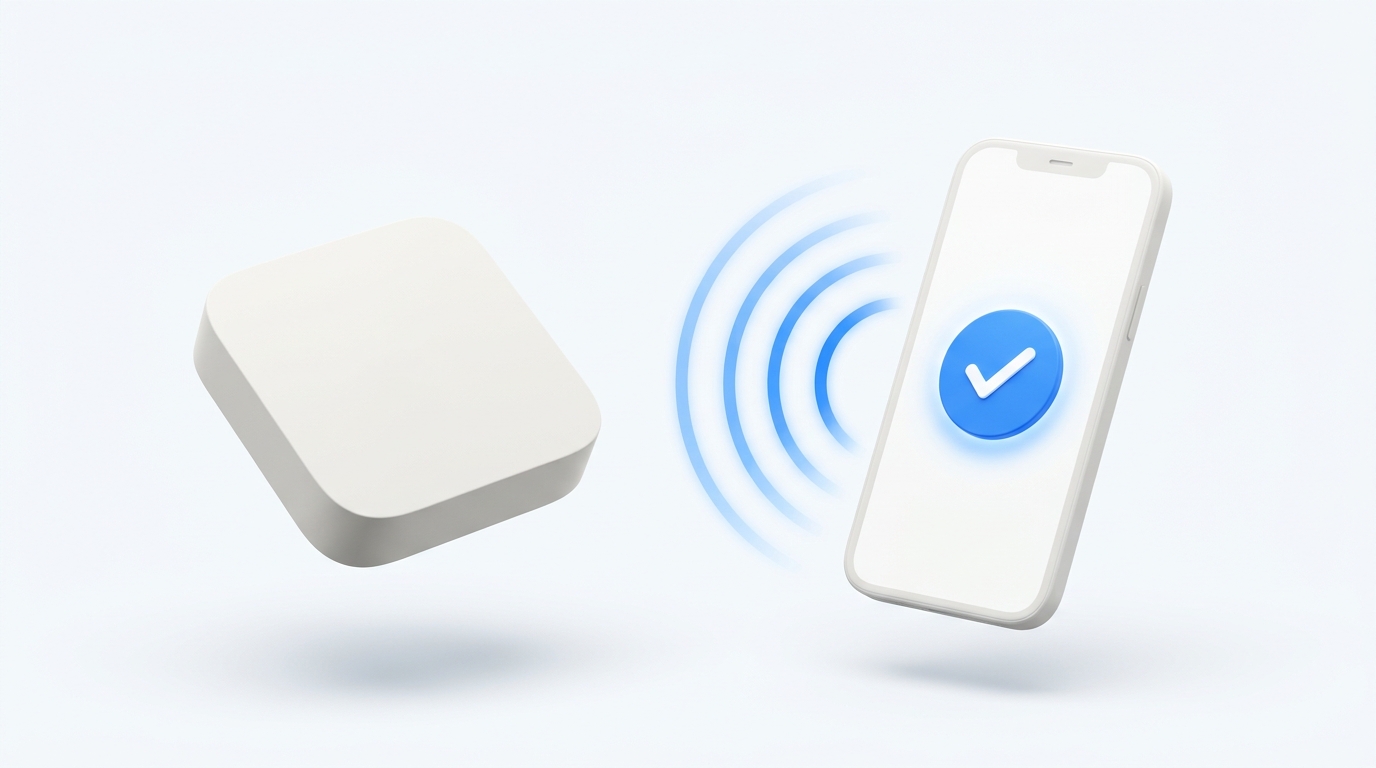
The Walmart Onn Google TV 4K streaming box (and Onn 4K Pro) is one of the best budget streaming devices on the market, but its slim plastic remote is fragile and easily lost. If your remote stopped responding or vanished, you do not need to order a new one. Download MotePal on your Android phone, connect to your home Wi-Fi, tap your Onn box, and enter the 6-character code shown on screen. You get immediate zero-latency D-pad controls, volume adjustments, and full keyboard typing without ads.
Walmart’s Onn Google TV 4K streaming device has taken the budget streaming market by storm. Selling for roughly $20, it provides genuine Google TV OS, 4K HDR streaming, Dolby Audio, and full Google Play store access at a fraction of the cost of high-end media players.
However, keeping hardware costs low meant sacrificing remote durability. The bundled white Bluetooth remote has lightweight plastic clips, a thin battery spring assembly, and often loses its Bluetooth bond when dropping to low battery levels.
Because the Onn 4K runs official Google TV software, you can turn any Android smartphone into a high-speed Wi-Fi remote controller in under 60 seconds.
MotePal communicates directly with the Onn Google TV 4K box over encrypted local Wi-Fi port 6466 without commercials.
Step 1: Pair MotePal to Your Onn 4K Streaming Box
The Onn Google TV streaming box implements Google’s standard Android TV Remote v2 protocol, transmitting over local TLS sockets.
- Download MotePal on Google Play.
- Confirm your smartphone is on the same local Wi-Fi network as your Onn Google TV.
- Open MotePal. The discovery radar will locate your Onn streaming box within seconds.
- Tap the Onn device name on screen.
- A 6-character alphanumeric pairing code will pop up on your television screen.
- Enter the code in MotePal and tap Pair.
- The phone and your Onn streaming box save an encrypted authentication certificate.
You can preview the responsive buttons right now on our interactive web remote simulator.
Step 2: How to Re-Pair the Physical Onn Remote
If you found your physical Onn remote and want to restore it alongside your phone:
- Check the small tactile sync button on the side of the Onn 4K box.
- Press the physical sync button on the box once. The TV display will switch to an on-screen pairing screen.
- On the physical remote, press and hold both the Back and Home buttons simultaneously for 5 seconds.
- The small LED indicator on the remote will begin blinking rapidly.
- Keep holding until the screen shows “Connected”.
- If the remote fails to blink, replace both AAA batteries with fresh 1.5V alkaline cells.
To control your TV's physical volume and power through the Onn box using MotePal, navigate in Google TV to Settings > Display & Sound > HDMI-CEC. Turn on CEC, One-touch play, and System audio control. Now, MotePal volume taps will adjust your soundbar or TV speakers automatically.
Why Using Your Phone is Superior to the Onn Remote
| Feature | Physical Onn Remote | Generic Play Store Apps | MotePal |
|---|---|---|---|
| Price | $10 to $15 replacement | Free with Video Ads | 100% Free |
| Typing Passwords | D-pad letter by letter | Slow / Clunky | Instant Clipboard Paste |
| Night Use | Non-backlit keys | Glaring Ad Screens | OLED Dark Mode |
| Advertising | Sponsored branded keys | Full-screen video popups | Zero Ads |
Entering long usernames, streaming passwords, or YouTube search queries using the Onn remote’s plastic D-pad takes minutes. With MotePal, you can tap the text field on your TV and type or paste directly from your phone’s mobile keyboard. Learn more techniques in our guide to typing and pasting passwords on Android TV.
Frequently Asked Questions
Can I pair MotePal to Onn 4K if Wi-Fi credentials changed?
If your home Wi-Fi name or password changed and your physical remote is lost, the Onn box cannot connect to the new network. To fix this: temporarily set your phone’s mobile hotspot name and password to match your old Wi-Fi network. The Onn box will connect automatically to the hotspot. Then connect a second phone running MotePal to the hotspot and update the Wi-Fi settings in Google TV to your new home router.
Does MotePal work with the Onn 4K Pro streaming box?
Yes. MotePal supports all Onn streaming devices, including the original Onn Android TV UHD box, the Onn Google TV 4K box, the Onn Google TV 2K streaming stick, and the premium Onn 4K Pro streaming box.
Why does my Onn remote keep dropping Bluetooth connection?
The Onn remote uses aggressive power management. When AAA battery voltage dips below 1.25V, the Bluetooth transmitter becomes unstable. Replacing older batteries with fresh 1.5V alkaline batteries or utilizing MotePal on your phone resolves connection drops permanently.
Need an Instant TV Remote on Your Phone?
MotePal connects to your Google TV, Android TV, Roku, Samsung, or LG TV over Wi-Fi in seconds. 100% free with zero ads and no account required.