
If your Samsung Neo QLED (QN85, QN90, QN95, QN800, QN900 series) solar OneRemote stops responding: first, plug a USB-C cable into the bottom edge of the remote for 15 minutes to revive the internal capacitor. Second, point the remote at the lower right sensor of the screen and hold Return and Play/Pause together for 5 seconds to force re-pair. If the hardware has locked up, install MotePal on your Android phone to regain instant Wi-Fi control over secure local Tizen WebSocket (port 8002) with zero ads and no account required.
Samsung’s Neo QLED televisions represent the pinnacle of Quantum Mini-LED display engineering. With deep blacks, extreme peak brightness surpassing 2,000 nits, and 4K 144Hz gaming features, these flagship displays are the centerpiece of high-end home theaters.
However, the bundled premium solar OneRemote (models TM2180E, TM2280E, and TM2360E) introduces unique points of failure. Because the remote relies on an ambient solar panel on its back and an internal lithium-ion capacitor rather than removable alkaline batteries, owners frequently experience depleted battery states if the remote is kept in shaded console drawers.
Furthermore, Bluetooth radio desynchronization between the remote and the television’s One Connect Box or internal chassis can leave you unable to adjust volume or navigate the Game Bar.
Here is the exact diagnostic workflow to get your Samsung Neo QLED remote working again or replace it immediately with your smartphone.
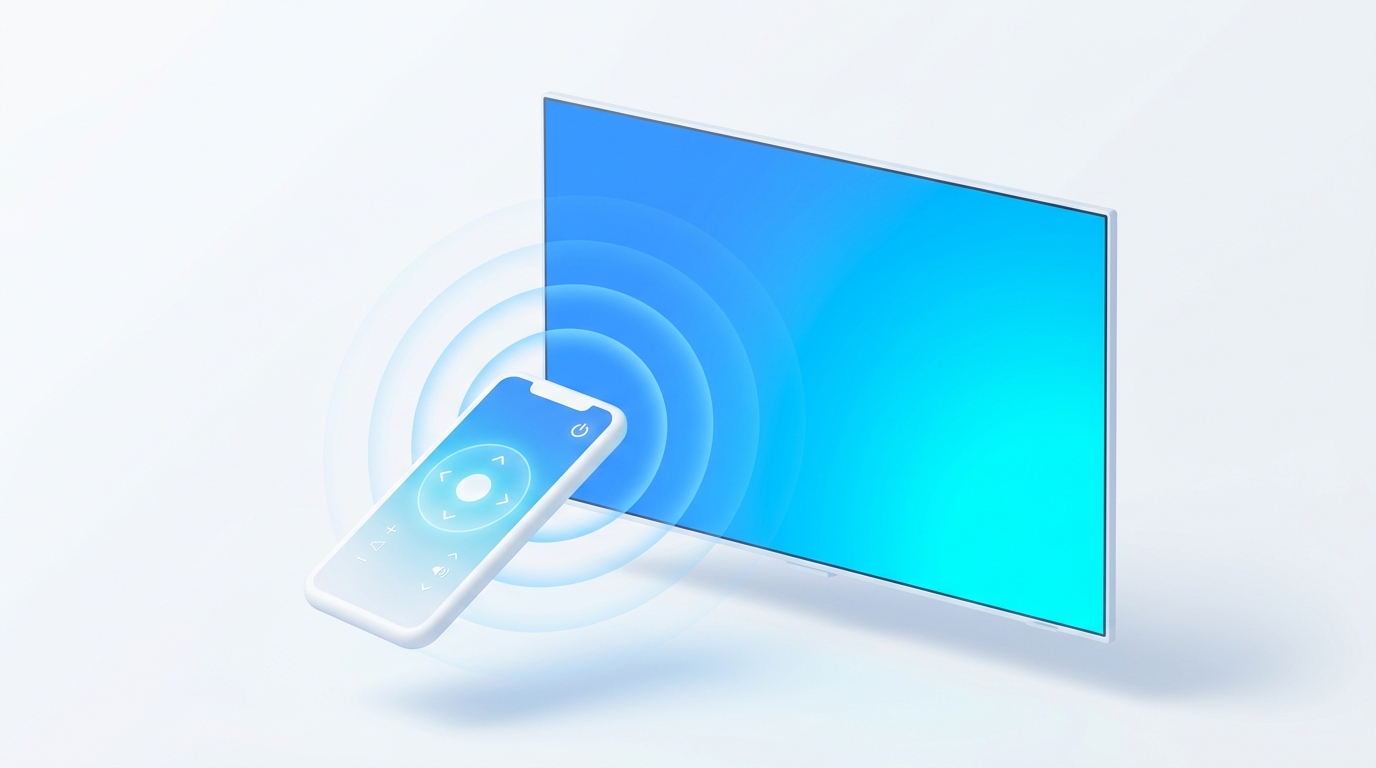
Samsung Neo QLED TVs operate a local encrypted WebSocket server on port 8002, allowing instant phone control with zero cloud lag.
Step 1: Diagnose Solar Cell and Capacitor Charge
The Samsung SolarCell remote uses an ambient light harvester on the reverse side. If left in a dimly lit media room, the internal storage capacitor slowly discharges below minimum operating thresholds:
- Look at the top front of the remote when pressing any button. If no LED flashes, or if a red LED blinks continuously, the capacitor is drained.
- Plug a standard USB-C phone cable into the port located on the lower edge of the remote.
- Charge for at least 15 to 20 minutes from a powered wall adapter or the TV’s rear USB service port.
- If solar charging is your primary method, leave the remote face down on a coffee table under bright artificial lighting or natural sunlight for 3 to 4 hours.
Step 2: Force Re-Pair the Neo QLED Solar Remote
When battery power is restored but the remote only turns the TV on without navigating Tizen menus:
- Turn on your Neo QLED TV using the physical controller button located beneath the Samsung logo or on the One Connect Box.
- Stand 1 foot (30 cm) from the lower right edge of the screen where the IR/BLE receiver module is positioned.
- Press and hold both the Return (Back) and Play/Pause buttons simultaneously for 5 seconds.
- Watch the top right of the television display: an animation showing a remote connecting with a rotating radar line will appear.
- Once “Pairing Complete” displays, test the directional pad.
Step 3: Use MotePal for Zero-Latency Control
While Samsung provides the SmartThings application, it routes your button inputs through external Samsung cloud servers, resulting in noticeable latency. Furthermore, generic ad-supported remotes on Google Play bombard users with unskippable 30-second commercial videos.
MotePal connects directly over your internal home Wi-Fi network using Samsung’s native Tizen WebSocket protocol:
- Download MotePal on Google Play.
- Confirm your Android smartphone is on the same local Wi-Fi router as your Samsung Neo QLED TV.
- Open MotePal. The app discovers your Neo QLED television automatically.
- Tap your TV in the list.
- Look at your television screen. A prompt will appear in the top-right corner: “A mobile device wants to connect. Do you want to allow it?”
- Select Allow using the physical control button on the TV chassis (or a plugged-in USB mouse).
- MotePal exchanges a cryptographic security token with Tizen OS and stores it locally.
You can preview the interface, button responsiveness, and dark mode options on our interactive web remote simulator.
Step 4: Access Game Bar and Quick Settings via Phone
Samsung Neo QLED televisions include specialized menus such as the Game Bar (showing FPS, VRR status, and input lag levels) and the Multi View split-screen interface.
Using MotePal on your phone unlocks several key benefits:
- Rapid Game Bar Navigation: Adjust display aspect ratios (such as 21:9 or 32:9 ultrawide modes) and toggle HDR tone mapping smoothly with high-precision digital arrows.
- Effortless Keyboard Typing: Typing complex game tags, Twitch search queries, and passwords character-by-character on Samsung’s on-screen keyboard takes minutes. MotePal synchronizes your phone keyboard directly into Tizen input fields. Read more in our guide to Samsung TV keyboard and touchpad navigation.
- 100 Percent Ad-Free Navigation: Enjoy smooth, uninterrupted control without annoying popups or subscription paywalls.
On flagship Neo QLED models equipped with the external One Connect Box (such as the QN95 and QN900 series), the primary IR and RF receiver is built into the TV's lower right bezel, not inside the One Connect Box itself. Ensure soundbars or center speakers do not obstruct the bottom right front corner of the display.
Frequently Asked Questions
How do I check the battery level of my Samsung Neo QLED remote?
Using MotePal on your phone, open Settings > All Settings > General & Privacy > Power and Energy Saving > Available Remote Battery. The on-screen dashboard displays the exact remaining percentage of the solar remote capacitor.
Why does my Samsung Neo QLED remote blink red five times?
Five rapid red flashes indicate that the remote has successfully transmitted an infrared wake command but cannot establish the encrypted Bluetooth handshake with the TV’s internal wireless card. Execute the Return plus Play/Pause pairing sequence described in Step 2.
Can I turn on my Samsung Neo QLED TV from my phone when powered down?
Yes. Open Settings > All Settings > General & Privacy > Network > Expert Settings > Power On with Mobile and turn it to On. Once active, MotePal sends an industry-standard Wake-on-LAN magic packet over your local Wi-Fi to power up the screen instantly from deep standby.
Need an Instant TV Remote on Your Phone?
MotePal connects to your Google TV, Android TV, Roku, Samsung, or LG TV over Wi-Fi in seconds. 100% free with zero ads and no account required.